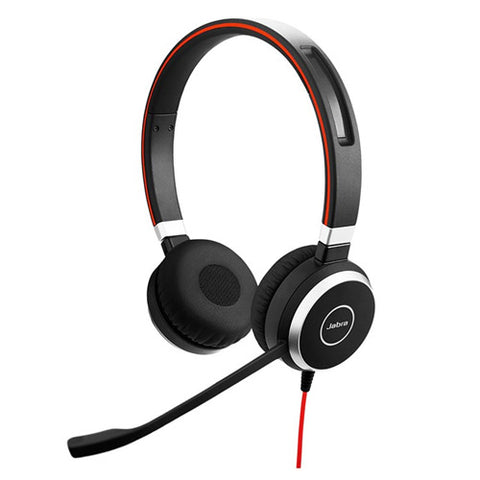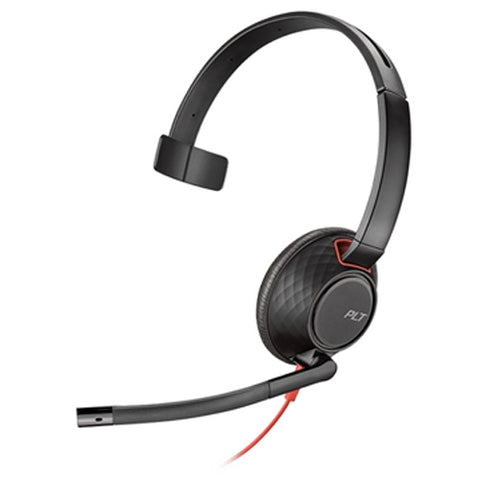

Headsets that have an In-Line Control unit can easily adjust the volume, answer, end and mute calls. It provides an easy and convenient way to make adjustments mid-conversation without need for attaching an amplifier or other additional accessory.
Inline Control Headsets
Compatibility
Check that the headset is compatible with your telephone, computer or softphone platform. Some inline controls are designed for specific systems, such as Microsoft Teams, and may require a particular USB connection or software to enable all functions.
Control functionality
Consider which controls you actually need. Basic models may provide volume and mute controls, while others can also answer and end calls, place calls on hold or provide dedicated buttons for platforms such as Teams.
Connection type
Check whether the headset uses USB-A, USB-C, 3.5mm or another connector and make sure it matches your equipment. Also consider whether you need a headset that connects directly to your device or one that works through an adapter.
Effectiveness
Compare different types of In-Line control headset. Some features just 3.5mm or USB connectivity while others offer 3.5mm, USB and Bluetooth connectivity.
Headsets that feature In-Line control are commonly USB or 3.5mm. QD headsets tend not to offer In-Line Control as they are connected to deskphone where the user can control volume, answer and end the call.
Don't panic when you need to mute or unmute, simply press the button on your In-Line Control Unit without touching your mouse.